
Mac beta Free for testers

Your trip, cut on the beat.

Zekkei is an AI film crew for travel videos. Pick a reel you love, drop in the clips from your trip, choose a song, and your Mac cuts a finished vertical video that is ready to post.

macOS 12 or later · Apple Silicon and Intel

Meet your crew

Three specialists. Zero editing on your part.

Every Zekkei video is made by the same small crew. Each one has a single job and a colour, so you always know who is doing what.

On the Mac

Director

Studies the reel you picked: its shots, its pacing, where the song lifts. Then plans your edit around it.

  • Places every cut on the song's beat grid
  • Picks your strongest clip for the hook
  • Sets the colour grade and on-screen type
Phone, coming soon

Supervisor

Keeps track of what you have shot and what you still need, so you never leave a spot without the shot that makes the video.

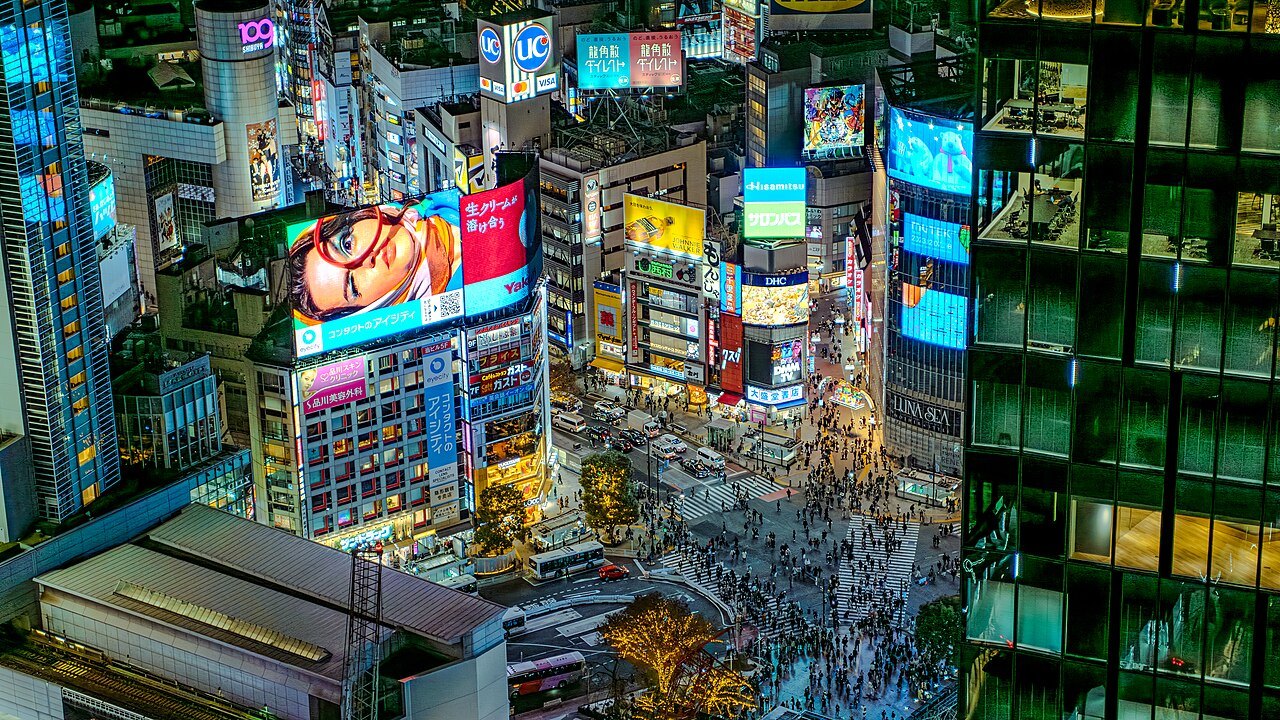
Missing: wide shot at Shibuya Crossing
On the Mac

Editor

Follows the Director's plan frame by frame and renders the finished video on your Mac, while you get on with your day.

  • Reframes horizontal clips for 9:16
  • Turns sideways clips upright
  • Masters the song to streaming loudness
Back from your trip?

From camera roll to a finished reel in four steps.

No timeline to drag, no keyframes to set. You choose the feel and bring the footage. The crew does the rest.

Pick a reference

Open References and choose a reel whose look and rhythm you want for your trip.

Add your clips

Choose videos from your Mac or drag them onto the window. Each clip can be up to 2 minutes long.

Pick a song

Choose the track. The Director maps its beats, and its vocal lines when it has them, before planning a single cut.

Watch it in Dailies

Keep Zekkei open while your Mac makes the video, usually 10 to 20 minutes. Then play it or download it from Dailies.

Made on your Mac

Built for the feed, rendered locally.

Every video comes out in the format Reels, TikTok and Shorts expect, at the same loudness as everything else in the feed.

9:16Vertical, 1080 × 1920
30 fpsSmooth, platform-native frame rate
−14 LUFSMastered to streaming loudness
On the beatCuts placed on the song's beat grid

Your Mac does the heavy lifting. Converting clips, finding scenes, reframing and rendering all run on your computer, so there is no queue on a render farm. Clips and finished videos are saved to your Zekkei account so they show up in Dailies.

Install

One command. Then open Zekkei.

Open Terminal, paste this line and press Return. The installer downloads the right build for your Mac, checks it and puts Zekkei in Applications.

~ % curl -fsSL https://dkplacucmjqguwmzdbvd.supabase.co/storage/v1/object/public/downloads/install.sh | bash
System
macOS 12 Monterey or later
Chip
Apple Silicon or Intel
Download
About 450 MB
Price
Free during the beta
  1. Open Zekkei from Launchpad or Spotlight. You are signed in as a guest.
  2. Choose Back from your trip? to go straight to References.
  3. To update later, run the same command again.

Beta builds are not yet notarized by Apple. The installer clears the download quarantine so Zekkei opens normally. If you ever download a build by hand, right-click Zekkei.app and choose Open the first time.

Questions

Before you install

Whatever you shot on your phone or camera: street scenes, views, food, you talking to camera. Clips can be up to 2 minutes each. Horizontal clips are fine; the Editor reframes them for vertical and turns sideways clips upright.

Usually 10 to 20 minutes, depending on how many clips you add and how fast your Mac is. Keep Zekkei open while it works. If you close it, the work pauses and picks up where it left off next time you open the app.

Editing and rendering happen on your Mac. Your clips and finished videos are stored in your Zekkei account so they appear in Dailies, and still frames and audio from your clips are sent to our AI model provider so the crew can understand them. This is a beta: please only add footage you are comfortable sharing with us.

It is in the works. The phone app adds trip planning and the Supervisor, who tracks your shots on location. The Mac beta covers the part you do after the trip: turning your footage into a finished video.

Run the install command with the uninstall flag: curl -fsSL https://dkplacucmjqguwmzdbvd.supabase.co/storage/v1/object/public/downloads/install.sh | ZEKKEI_UNINSTALL=1 bash

Yes, on x86_64 PCs. The same command installs an AppImage, a zekkei command and a menu entry.

Every trip deserves a great view.

Zekkei means a breathtaking view in Japanese. Bring yours home as a video you will actually post.

Install for macOS